Find and reserve parking AT

Civic Garage Parking at 125 E Court Street Cincinnati – Downtown Cincinnati Parking Near Hamilton County Courthouse & Government Square

Monday – Sunday: 24 hours

125 East Court Street, Cincinnati, OH, USA

Conveniently located at 125 E Court Street, the Civic Garage offers reliable downtown Cincinnati parking near the Hamilton County Courthouse, Cincinnati City Hall, Government Square, and Fountain Square. This centrally located parking garage is within walking distance to the Central Business District, Over-the-Rhine, the Aronoff Center for the Arts, and major downtown offices, making it a top choice for monthly parking, daily parking, and event parking in Cincinnati. Park just steps from restaurants, hotels, court buildings, and public transit hubs, with easy access to I-71, I-75, and I-471. Whether you’re searching for parking near downtown Cincinnati, courthouse parking, or convenient parking near Government Square and Fountain Square, Civic Garage at 125 E Court Street provides a prime, walkable location for work, meetings, dining, and events in the heart of the city.
Walkable to Hamilton County Courthouse
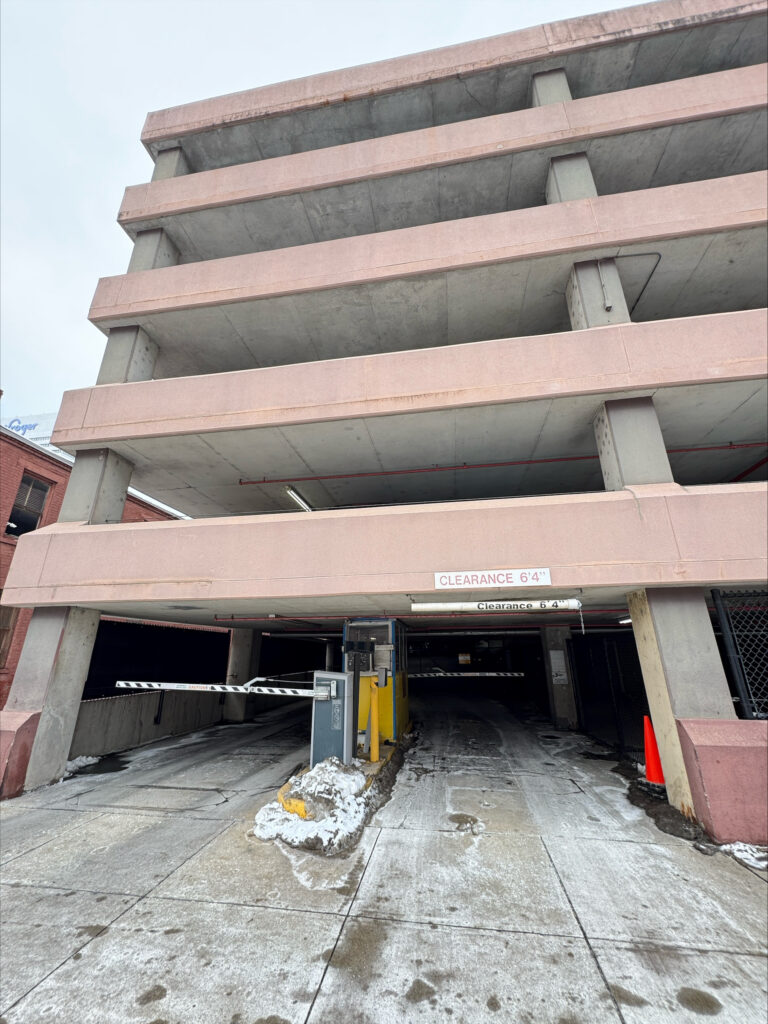
A multi-level concrete parking garage with an entrance gate, clearance sign reading "8' 4"," and some snow on the ground. A black gate and orange traffic cone are visible near the entrance.
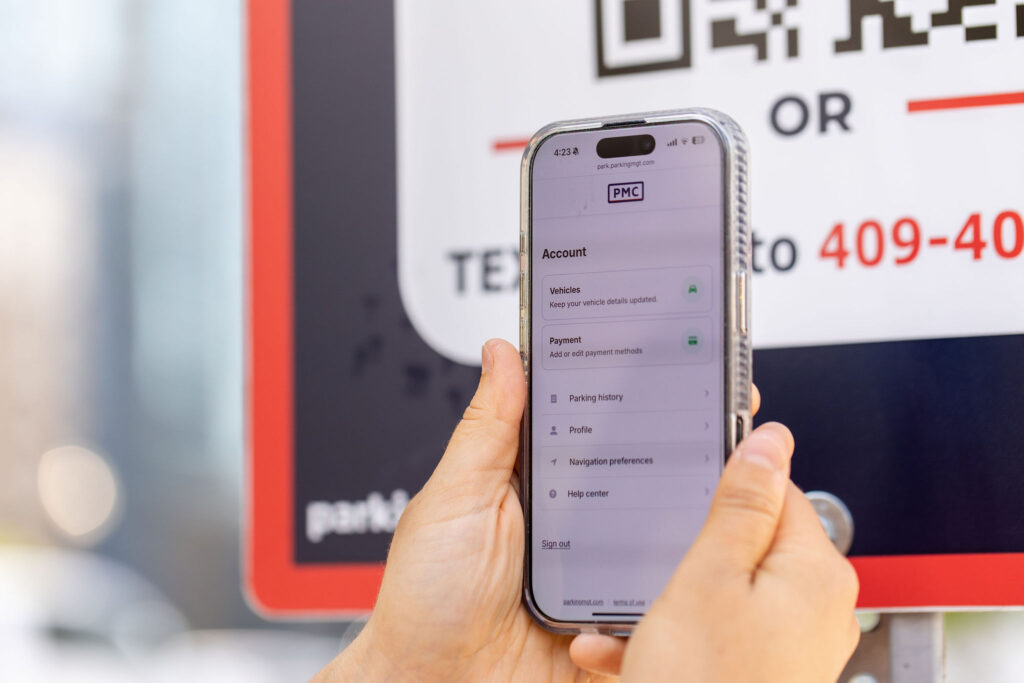
A person holds a smartphone displaying the Parking Management Company website account screen in front of a PMC sign with a QR code and contact information.

PMC Pay

PMC Pay allows you to pay quickly and easily, right from your cellphone! No need to download an app. Find PMC signage throughout the lot or garage, then scan the posted QR code or text the specified phone number. Upon clicking the link, the PMC Pay webpage will open. Fill out the required information and enter your payment details (credit cards, Apple Pay and Google Pay accepted).

The PMC Pay text system will notify you throughout the process, provide a link to add more time when your session is about to end and send you a receipt when you’re finished.
Short on time? Create an account and save your information to make future parking sessions a breeze.

Frequently Asked Questions

Parking with PMC is easy—whether you’re scanning to pay on-site or reserving in advance at select locations. Here are some quick answers to common questions:

It’s simple: Find, scan and park. Search your city on our Find Parking page to view available lots and garages. At most locations, you can scan a QR code on-site to start your session instantly—no app required. At select venues, you can also reserve your spot in advance.

In many cases, yes. Just send us a quick message through the chatbot and we’ll help you out.
Nothing to print or display—your license plate is your pass. If you reserved in advance, you may be asked to show your confirmation email or scan a QR code from your mobile pass.
No worries. Our support team is ready to assist. Use the chatbot on our site, or look for a PMC associate in uniform if someone is on-site.

Yes! When you create a PMC account, your license plate and card are saved securely, so you can park even faster next time. Just enter your phone number and verify—it’s that easy.


Still have questions?